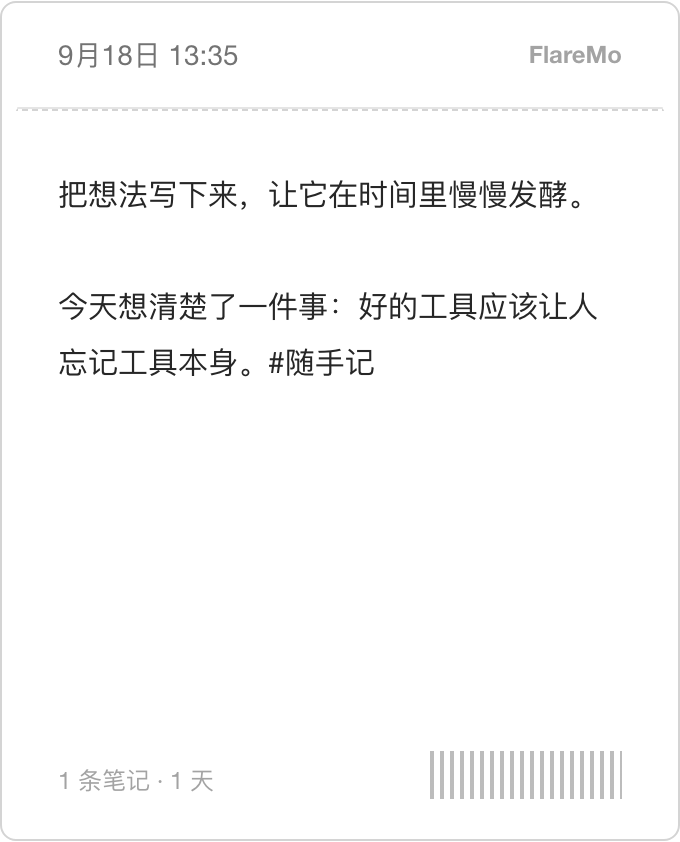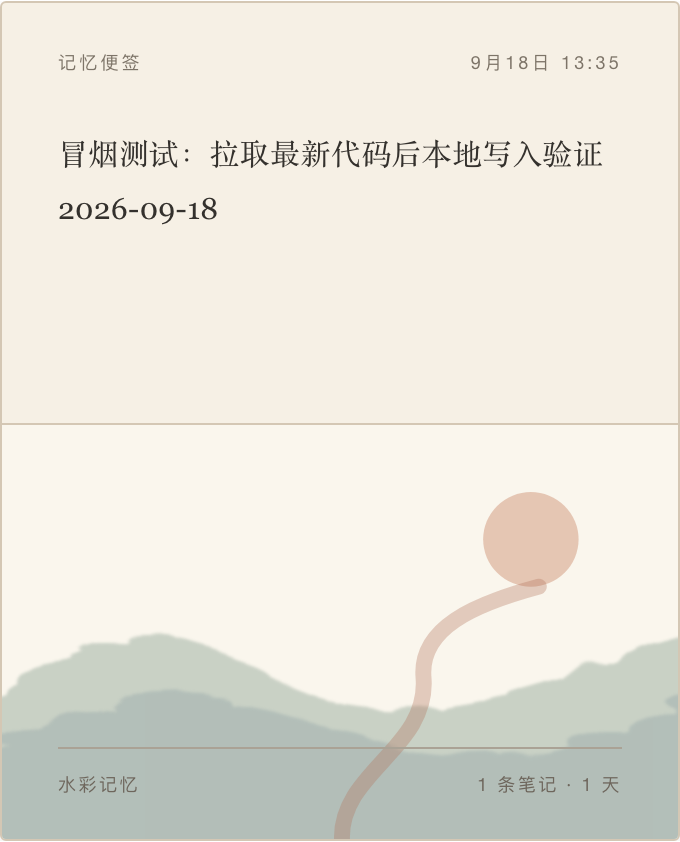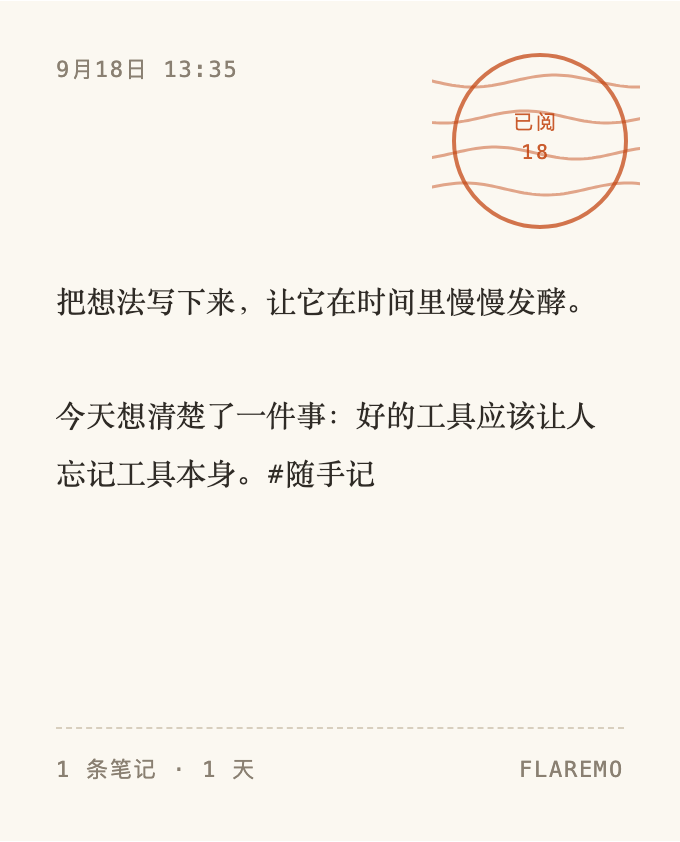
The more fragmented the information, the more we need quiet space for synthesis. Capture raw observations early, and patterns gradually emerge.
Zero servers to run.An AI-native second brain.
Write on Cloudflare's edge and let notes grow into tasks, articles and a searchable knowledge base — the same notes your AI agents can read and write over MCP.
- D1 storage
- 5 GB
- ~2.5M text notes
- R2 storage
- 10 GB
- ~10k photos · $0 egress
- Edge network
- 300+
- locations, sub-100ms
- Time to deploy
- 5 min
- from clone to live
Engineered for Focus and Longevity
Skip server maintenance. Build a second brain that stays on.
Durable by default
Notes live in your Cloudflare D1 database and R2 bucket, replicated across regions. A dead laptop or a migration doesn't take them with it.
Free tier, clear limits
Cloudflare's free tier includes 5GB on D1 (~2.5 million text notes) and 10GB on R2 (~10,000 photos). R2 charges no egress fees, so sharing stays free while you stay inside the quotas.
Offline-First & PWA
Installable PWA for iOS, Android, and desktop. Write offline on planes or subways. Drafts save locally as you type and sync in order once you're back online.
AI Works on Your Notes
A built-in Model Context Protocol (MCP) endpoint lets AI agents (Claude, Cursor, Codex) search, read and write your own notes. Nothing is auto-summarized into a separate memory store.
A Team Space for Sharing
Publish notes to your team, leave comments, and @mention teammates — lightweight sharing, not project management. Four roles (Owner, Admin, Member, Reader) and three visibility tiers (private, team, public); offboarding scrubs private data cleanly.
Your Data, Always Yours
Export every note, task, article and attachment in one bundle. On import, choose a conflict strategy; if something fails, it rolls back cleanly.
Notes, To-dos & Projects
Quick notes stay quick; long-form gets a full-screen canvas. Schedule a note for a day and its to-dos become tasks, synced both ways. See Today, Next 7 days, or a project board, with due-day reminders and optional Web Push.
A look inside
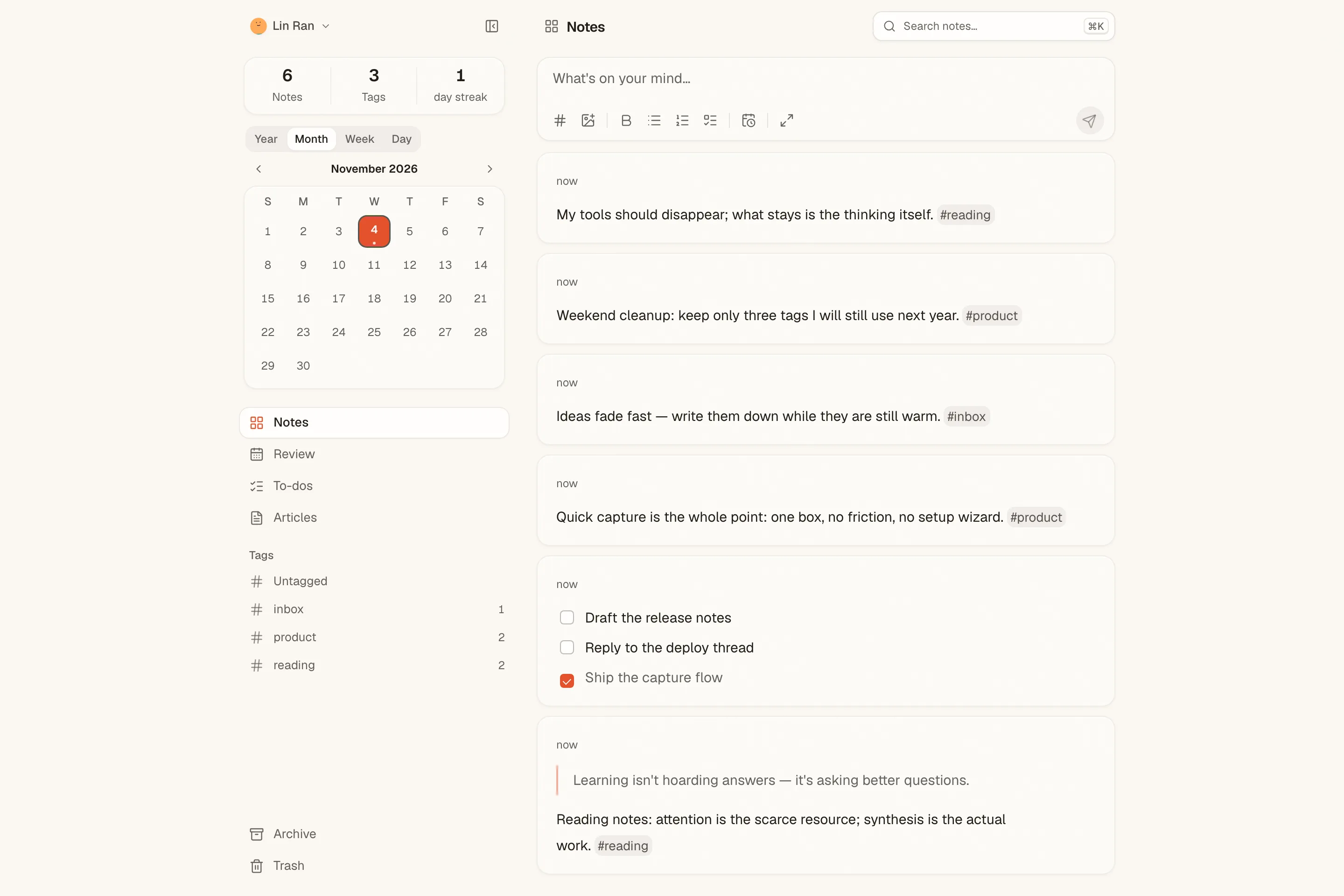
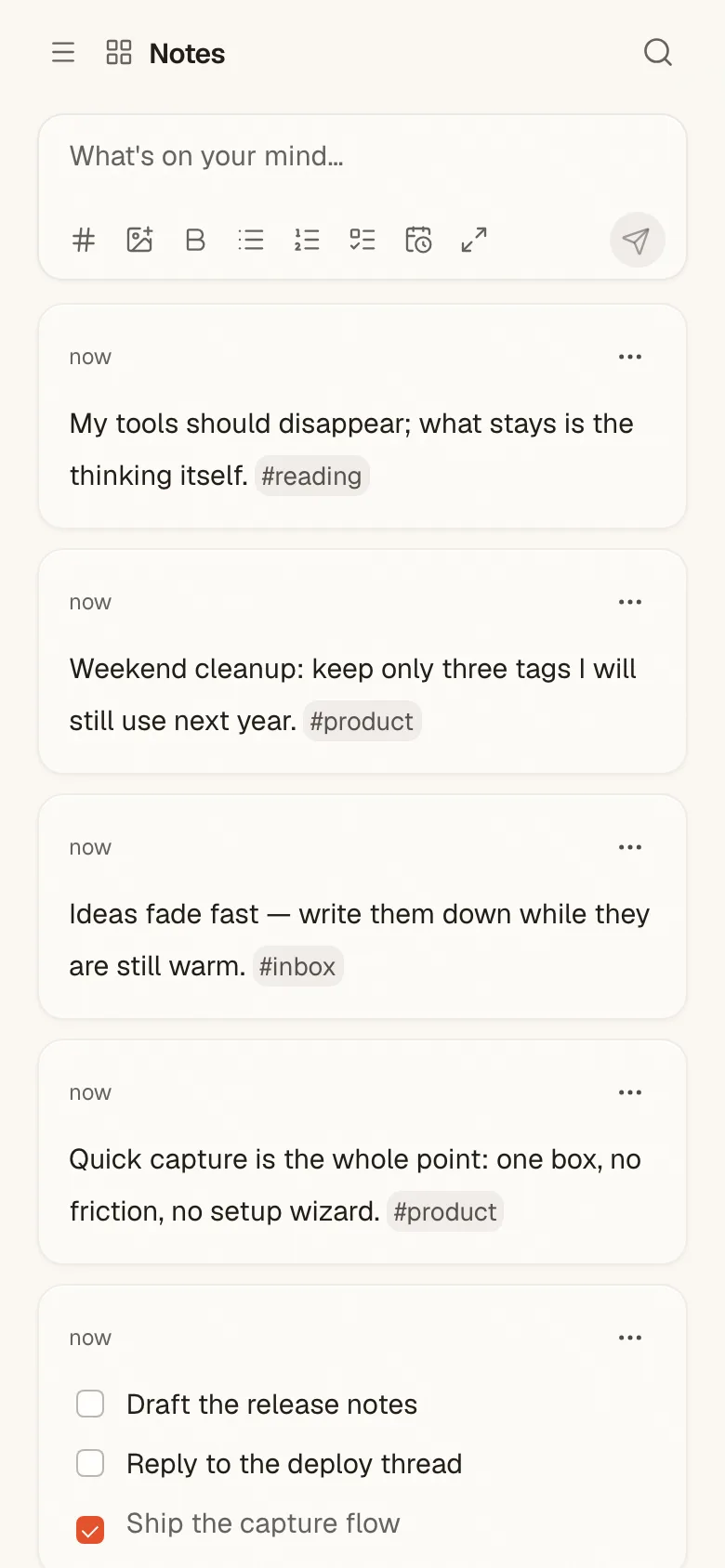
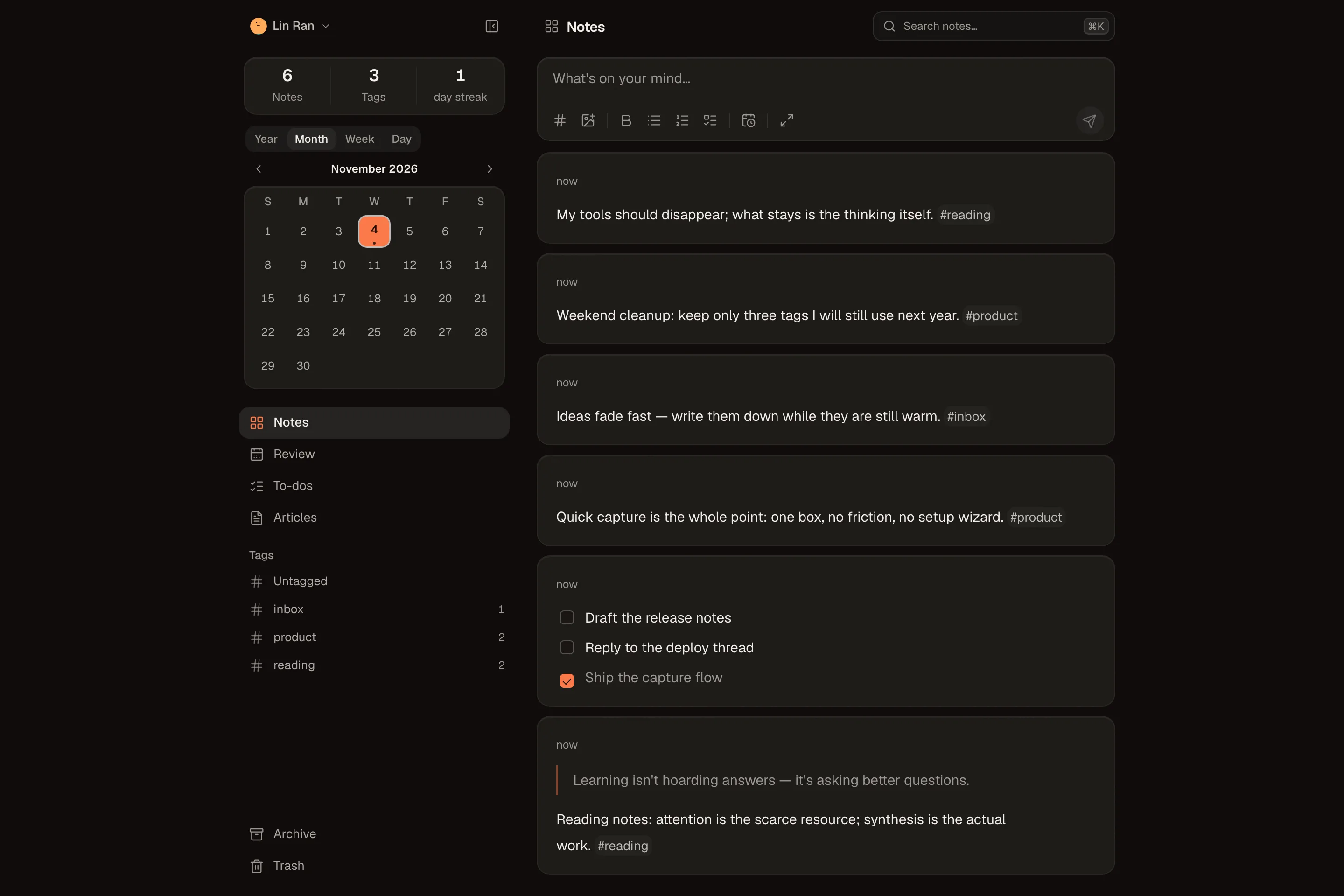
Light, dark, and on your phone — real captures from the shipped app, not a mock.


Three ways to self-host, side by side
Comparing Cloudflare Serverless against home NAS and traditional VPS self-hosting
Data Location
Cloudflare (FlareMo)
Cloudflare multi-region storage
- Home NAS / Homelab
- Single or RAID drive in your home
- Traditional VPS Cloud
- Single cloud vendor virtual disk
Hardware Failure
Cloudflare (FlareMo)
Replicated across regions; no disk to replace
- Home NAS / Homelab
- Drive crash or power surge risks total loss
- Traditional VPS Cloud
- Host outage or hypervisor crash risks loss
Global Latency
Cloudflare (FlareMo)
300+ edge locations, sub-100ms worldwide
- Home NAS / Homelab
- Bound to home upload speeds & tunnels
- Traditional VPS Cloud
- Single datacenter region, high cross-border lag
Daily Upkeep
Cloudflare (FlareMo)
No OS patches, no Docker to babysit
- Home NAS / Homelab
- OS updates, SMART drive health monitoring
- Traditional VPS Cloud
- Kernel updates, security patches, watchdogs
SSL & Domains
Cloudflare (FlareMo)
Automated HTTPS and custom domain binding
- Home NAS / Homelab
- Manual certs, dynamic DNS & port forwarding
- Traditional VPS Cloud
- Nginx/Caddy maintenance & Let's Encrypt renewals
Ongoing Cost
Cloudflare (FlareMo)
$0 on the free tier (limits apply)
- Home NAS / Homelab
- High upfront hardware costs + electricity
- Traditional VPS Cloud
- Continuous monthly / annual hosting invoices
Wire FlareMo Into Your Daily Flow
One knowledge base, wired into the workflows you already use.
AI Agents
Claude, Cursor and Codex search, read and write your notes over MCP or a skill.
Notes Skill
Teaches an agent to search before writing, keep your wording, and report the note ID it changed.
Telegram Bot
A bundled example bot that files what you send straight into your knowledge base.
Open API & PAT
Revocable personal access tokens for your own scripts and scheduled jobs.
Cards are plugins. Make them yours.
Five cards built in, open to anyone: install packs from the directory, upload your own, choose and order what your instance offers. Document cards are pure JSON layouts; sandbox cards run your own HTML/CSS/JS — both without network access.

Plain
The note, quiet on paper.

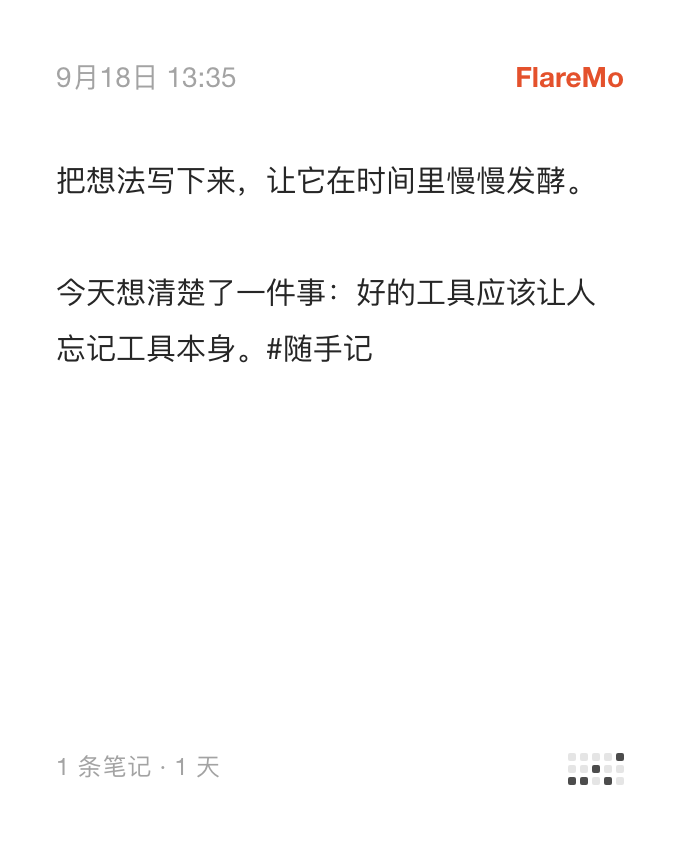
Daily
The date as the hero.

Ticket
A keepsake with a barcode strip.

Postcard
A watercolor horizon, drawn in SVG.

Postmark
A sandbox card that draws with canvas.
Frequently Asked Questions
Is the free tier really enough?
At roughly 2 KB per note, 5 GB on D1 holds about 2.5 million text notes, and 10 GB on R2 holds about 10,000 compressed photos. The real ceiling depends on your content; most people never reach it.
How safe is my data?
Notes live on Cloudflare's distributed infrastructure, replicated across regions. FlareMo can also export everything — notes, tasks, articles and attachments — into a single bundle you archive offline, for a second copy you control.
Can I bring my old notes over?
Yes. A bundled converter turns another tool's export into a FlareMo import bundle, keeping timestamps, tags, pins and visibility. Known limits: comments become standalone records, and externally linked attachments are not migrated.
Can I connect my own scripts and tools?
Yes. Revocable Personal Access Tokens back the open API for your scripts. For AI workflows, the built-in `/mcp` endpoint exposes list, search, read, create, update and delete over your notes, and the `flaremo-notes` skill covers the usage rules.
How does single-user differ from team mode?
Out of the box, FlareMo is a quiet single-user sanctuary. Turn on team mode to invite teammates with one-time activation links, then set any note to private (personal only), team-visible (team members can read and discuss), or public.
Five minutes to deploy. Yours to keep.
No servers, no credit card required. Deploy on Cloudflare in 5 minutes.